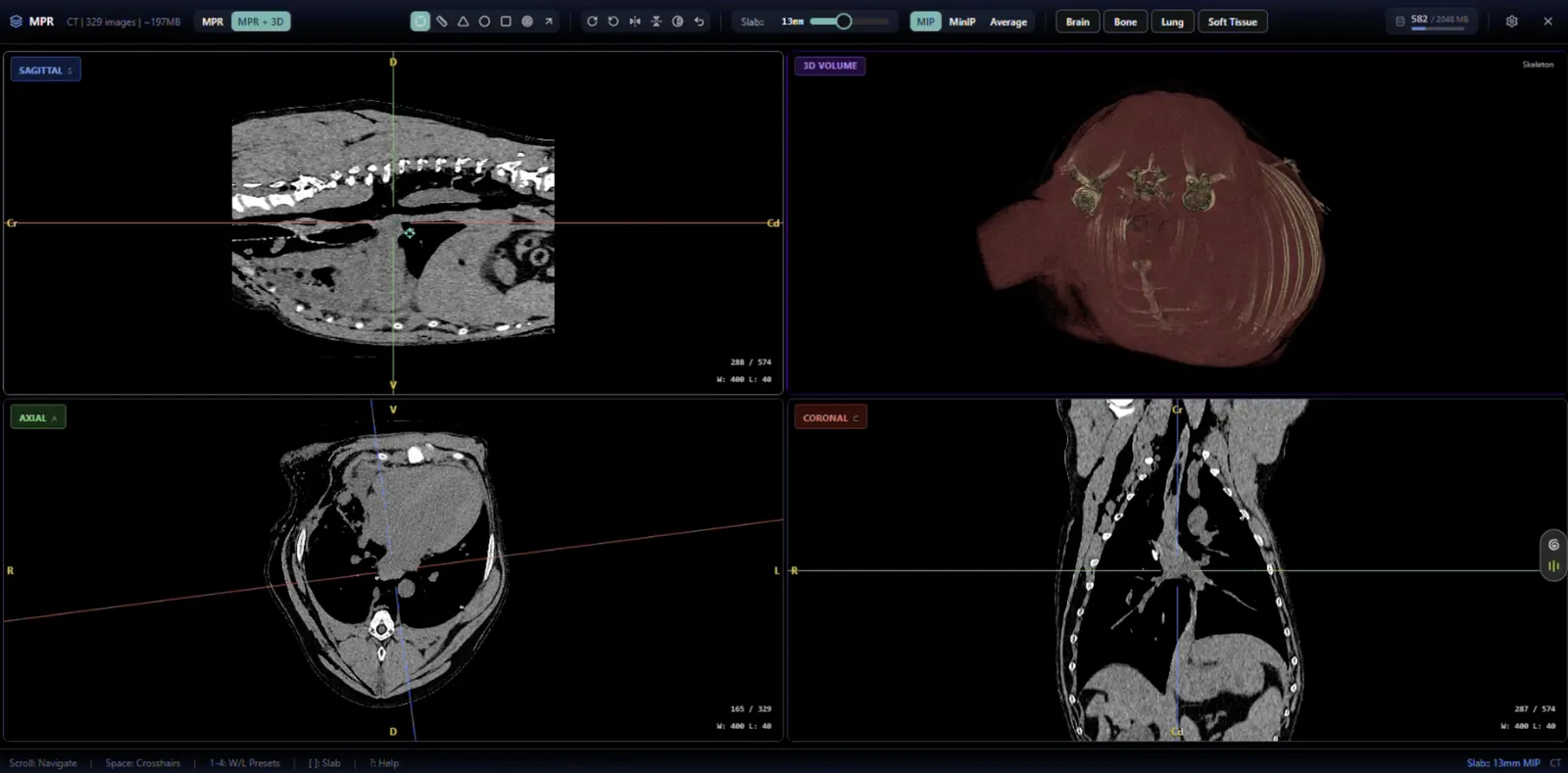
Automatic on study open
Five species-tagged hanging protocols ship out of the box, active from day one. The viewer reads species and modality from the DICOM header and applies the matching protocol automatically. No dropdown, no configuration, no manual viewport setup.
What a hanging protocol actually does
A hanging protocol is the layout that applies when a study opens: which series appear in which viewports, in what order, at what window and level. For a radiologist reading fifty studies a day, the protocol is the difference between opening a case ready to read and spending thirty seconds configuring viewports before you start.
In most PACS systems, protocols are configured manually per practice or per study type. In NewLumen, they're species-tagged and apply automatically.
The five shipped protocols
Canine Chest 3-View
Three-view thoracic layout for canine chest studies.
Canine Abdomen
Abdominal layout for canine studies.
Canine Orthopedic
Layout for canine orthopedic studies.
Feline Chest 3-View
Three-view thoracic layout for feline chest studies.
Feline Thorax and Abdomen
Combined thoracoabdominal layout for feline studies.
-INTERNAL_1778113361722.BuoWPxf_.webp)
Why this doesn't exist in human-medicine-origin PACS
Hanging protocols in human radiology are calibrated for human anatomy. A chest protocol from a human PACS applied to a canine thorax produces a layout that doesn't match the way a veterinary radiologist reads.
NewLumen's protocols were built for veterinary species from the start, which is why they apply correctly without modification.
Species-tagged macros
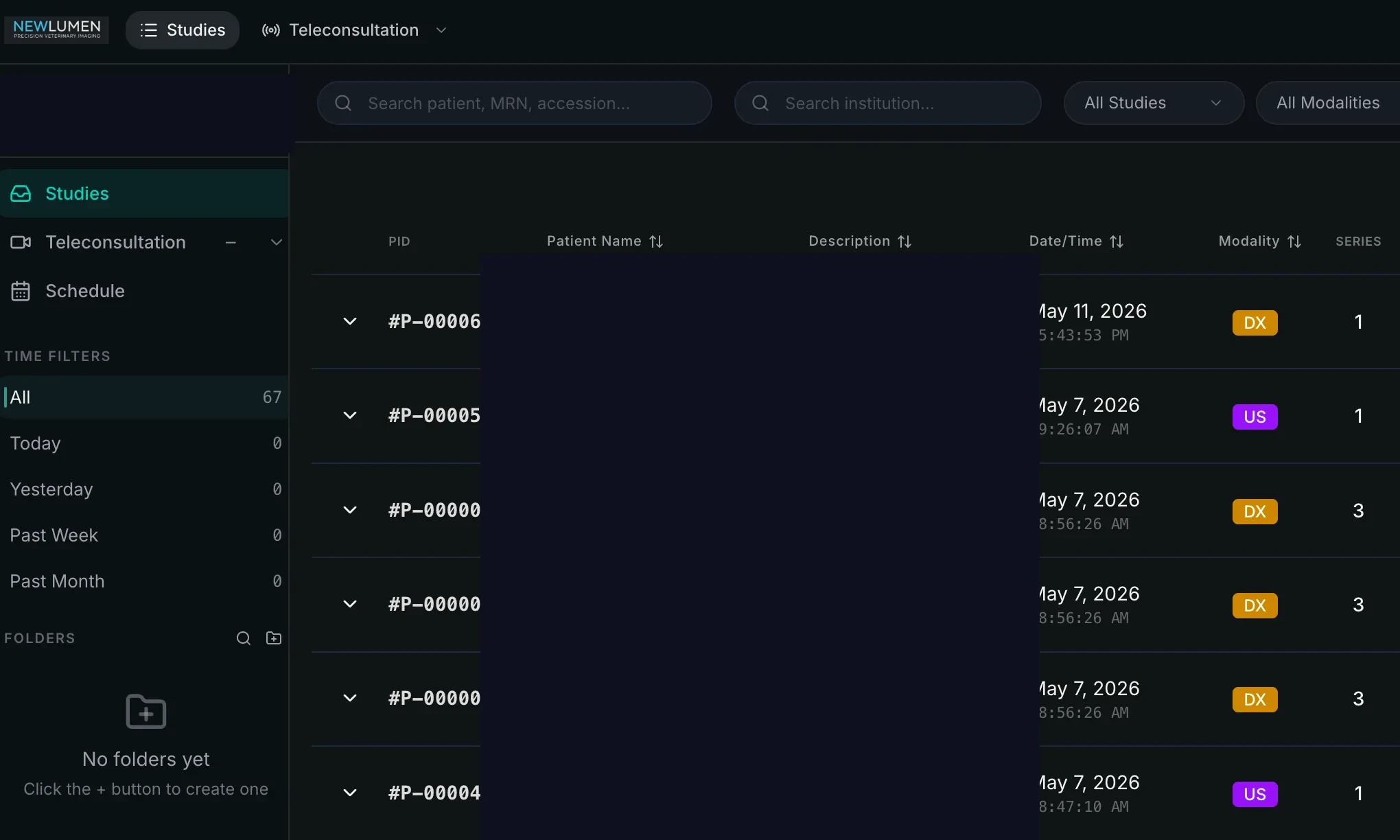
Reporting macros in NewLumen follow the same species-tagged logic. The correct macro for the species and modality is available immediately when a report opens, so the reporting workflow matches the reading workflow.
_1780605835975.5eeGb7YL.webp)